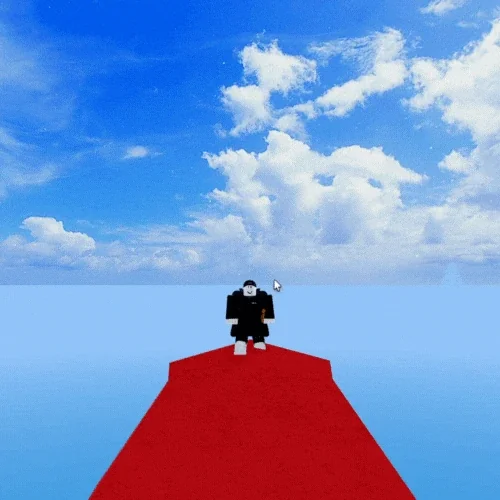



Dashing
Dashing is the basic movement ability every player has from the start. It pushes you forward in the direction you face, faster than running, for a short stretch, and costs Energy each time. You use it to dodge attacks, close in on enemies, escape danger and cross the map.
It matters in both PvP and when fighting enemies, and some races, accessories and fruits change how it behaves.
Dashing
How do you dash?
Dashing is already unlocked the first time you join, so there is nothing to buy or finish. Press the dash input and your character lunges forward over a short distance, faster than normal movement, and the dash uses up some Energy.
To dash in another direction, turn on Shift Lock, then press Q together with W, A, S or D.
Dash controls and Energy cost
Dashing works on every platform, and it is unlocked from the start.
Press Q.
Tap the Dash button.
Move the left joystick twice, like a wiggle.
Press Q.
Tap the Dash button.
Move the left joystick twice, like a wiggle.
What changes your dash?
A few races, accessories, fruits and Instinct V2 make the dash longer or faster, and some only change how it looks. The after-image left on the ground takes the color of your Roblox character's skin tone. A Kitsune with 2 or more tails is the exception, with its own blue particles.
What changes your dash
Races, accessories and fruits that make the dash longer, faster or only look different.
Rabbit V2 or higher
A longer dash. Without Agility or Race Awakening, a Rabbit V2 or higher dash length is about 80%.

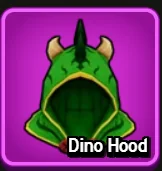
Kitsune with 2 or more tails
A speed and dash boost of about 90%. Your dash animation changes into a spin, trailed by blue particles.
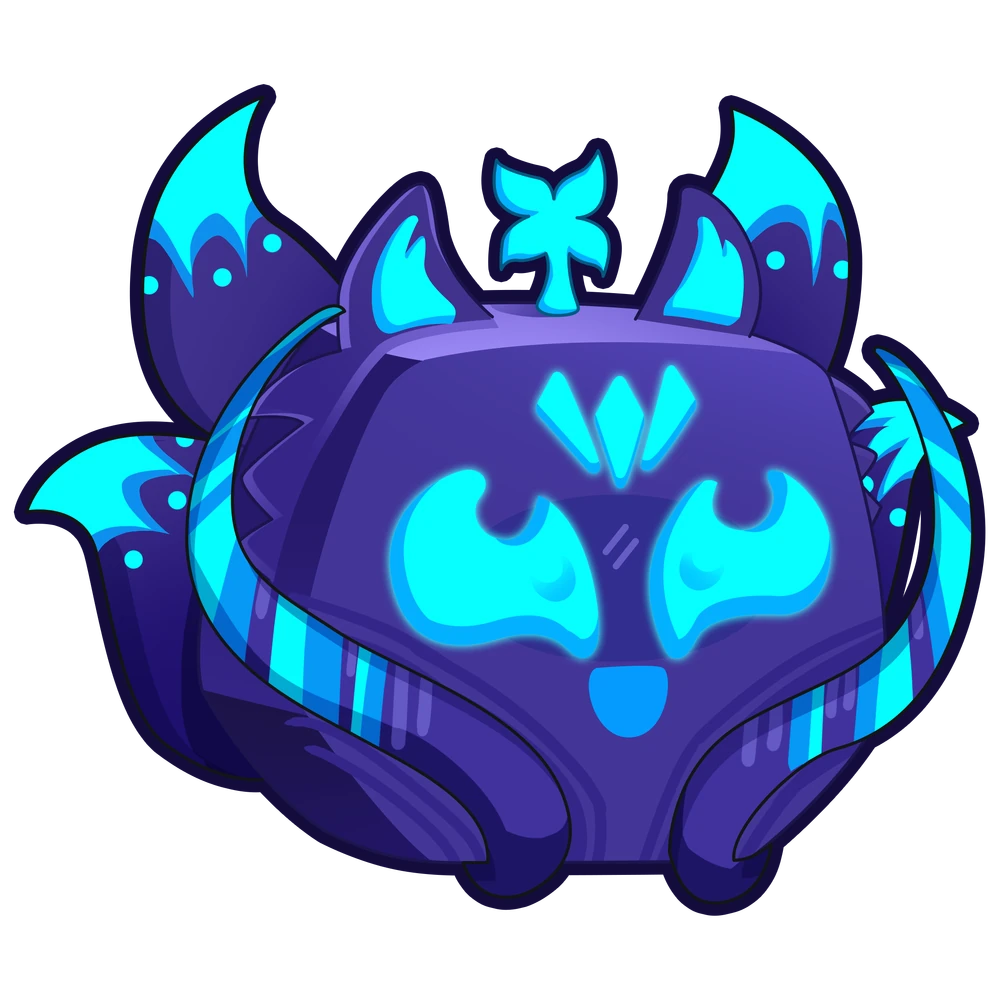
The dash only looks shorter, because the character is so large. The distance you travel stays the same.

Equipped guns and certain weapons
The dash animation is hidden while one is equipped. You can still dash.


Rabbit V2 or higher
A longer dash. Without Agility or Race Awakening, a Rabbit V2 or higher dash length is about 80%.
Kitsune with 2 or more tails
A speed and dash boost of about 90%. Your dash animation changes into a spin, trailed by blue particles.
The dash only looks shorter, because the character is so large. The distance you travel stays the same.
Equipped guns and certain weapons
The dash animation is hidden while one is equipped. You can still dash.
Dashing tips and tricks
- Safe zones: since Update 17.3 your dash is slightly shorter inside them.
- Swimming, being stunned and using a move all block a dash, so plan the dash before the move, not during it.
- Distance bug: using the Skull Guitar M1 while you jump and dash together carries you farther than normal. It mostly works while you are flung. Update 29.6 reduced movement bug abuse on the Skull Guitar, so the gain may be smaller now. Launch yourself with a knockback move such as Yama Z or Sanguine Art Z, aimed upward, then use the bug right away to cover a long distance for a surprise attack in PvP.
Dashing quick questions
What changed in the Dashing updates?
- The dash afterimage got a small visual overhaul.
- Dashes became slightly shorter inside safe zones.
- The dash animation was upgraded.
- Dashing was added to the game.