

How Trading Works
UP TO 18 ITEMS EACH
TRADE LICENSE FOR ULTRA-RARE AND LEGENDARY
HUB LISTING: 100 BUCKS
To trade, select a player, choose Trade, add your items and press Accept after the countdown. To trade Ultra-Rare and Legendary items you need the Trade License, which you get by passing a short test at the Safety Hub. The Trading Hub lets you post trades across all servers. This page covers each step; to trade live with other players, use our Adopt Me trading page.
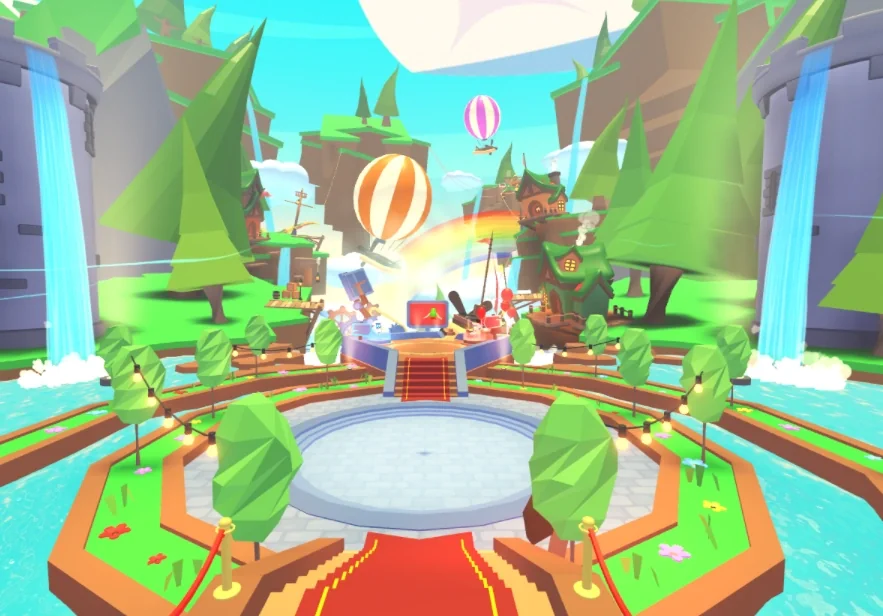
The Trading Hub, where you trade across all servers.
Quick answers
How does a trade work?
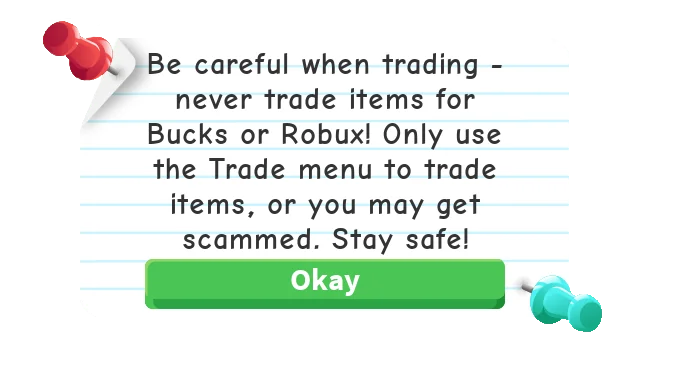
The game's own trade reminder: only use the trade menu.
STEP 1
Send the request
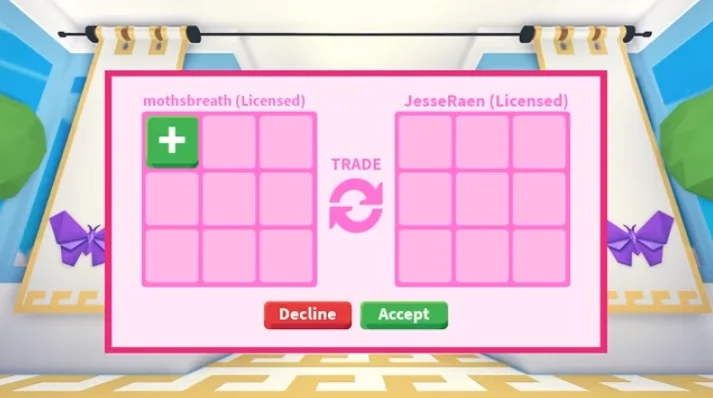
Select the player you want to trade with and choose Trade from the interaction menu, or press 1 on a keyboard. They can accept or decline. A player whose trades are off, or set to friends only, gets no request and you are told so. If a request waits too long for an answer, it expires.
The trade window.
STEP 2
Add your items
Press the green plus icon and pick an item. Select an item in the trade window to take it back out.
STEP 3
Wait out the countdown
A counter starts at 5 in the bottom right of the window and restarts every time either player adds or removes an item, so nobody can accept by accident right after a change.
STEP 4
Both press Accept
When the counter ends it turns into a green Accept button. The trade goes through only when both players press it. It is cancelled if either player presses the red Decline button or leaves the game.
How many items can you trade?
AT FIRST
items each
The original limit, per player.
NOVEMBER 5, 2020
items each
The 2020 Trading Update raised the limit to 9 and added the Trade License test.
MAY 5, 2023
items each
Raised to 18, together with trade chat notifications that let you follow every change made in a trade.
What is the unfair-trade warning?
THE GAME JUDGES THE TRADE UNFAIR
15 MORE SECONDS TO DECIDE
When the game judges a trade to be unfair, a pop-up warns one player that scamming is a bannable offense, and tells the other player they might be getting scammed. If both players still go ahead, the game gives them 15 more seconds to accept or decline, so they can think the trade through.
The warning pop-up.
How do you get the Trade License?
You need the Trade License to trade Ultra-Rare and Legendary items. You get it from a test at the Safety Hub, a building on Adoption Island.
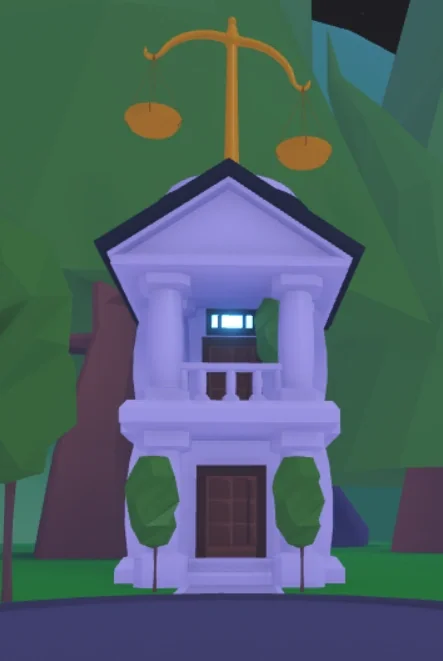
The Safety Hub.
STEP 1
Talk to the NPC
Stand in front of the Safety Hub, talk to the NPC and choose Yes when it asks if you want to take the test.
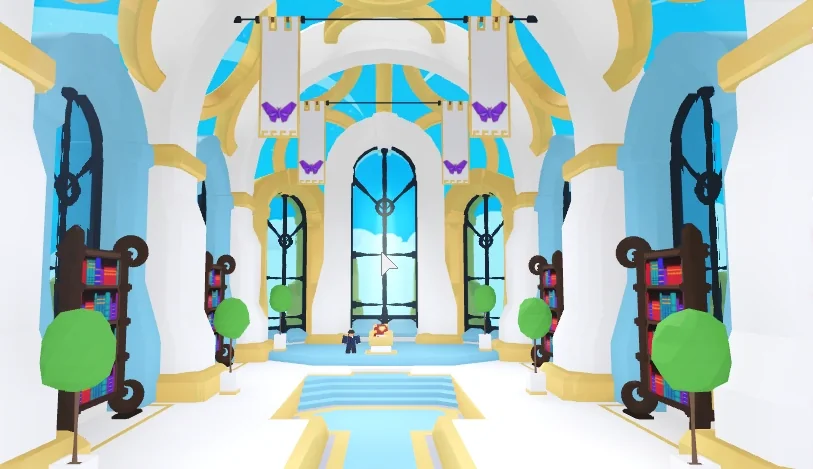
Inside the Safety Hub.
STEP 2
Go through the doors
An animation plays out a trading situation you might meet, and you are asked whether the trade was safe or a scam.
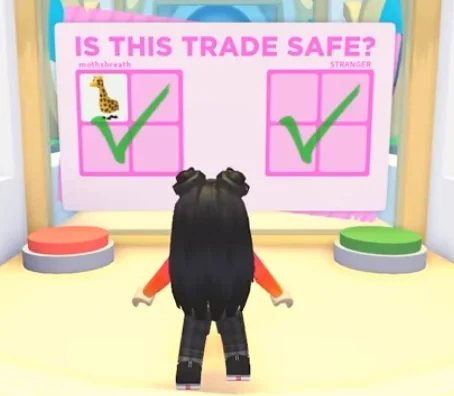
A test question.
STEP 3
Step on the answer button
Green means yes, it is not a scam; red means no, it is a scam. You get three scenarios.

The Trade License on its pedestal.
STEP 4
Collect the license
After three correct answers the glass barriers lift and you walk into the Pet and Egg section of the Nursery, where the Trade License waits on a pedestal.
You pass
Step forward and claim your license
You answer wrong
You can retake the quiz whenever you want
If you fail, you can retake the test until you pass. The Trade License cannot be traded or given away. Hold it and tap the screen to see your trade history from the last 30 days and to report scammers.
How does the Trading Hub work?
The Trading Hub opened on July 31, 2026 and lets you trade with players across all servers. You get there with the Trading Hub Phone, using its Travel to Hub button.
POST A LISTING: 100 BUCKS
2 LISTINGS ACTIVE AT ONCE
A THIRD SLOT: 49 ROBUX
Robo-Todd
Listings
Post a listing and manage your active ones. A listing costs 100 Bucks
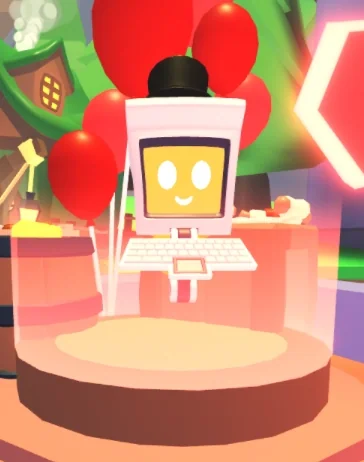
Robo-Rob
Offers
Search listings and make offers. The most relevant listings come first, then listings for other items you own.
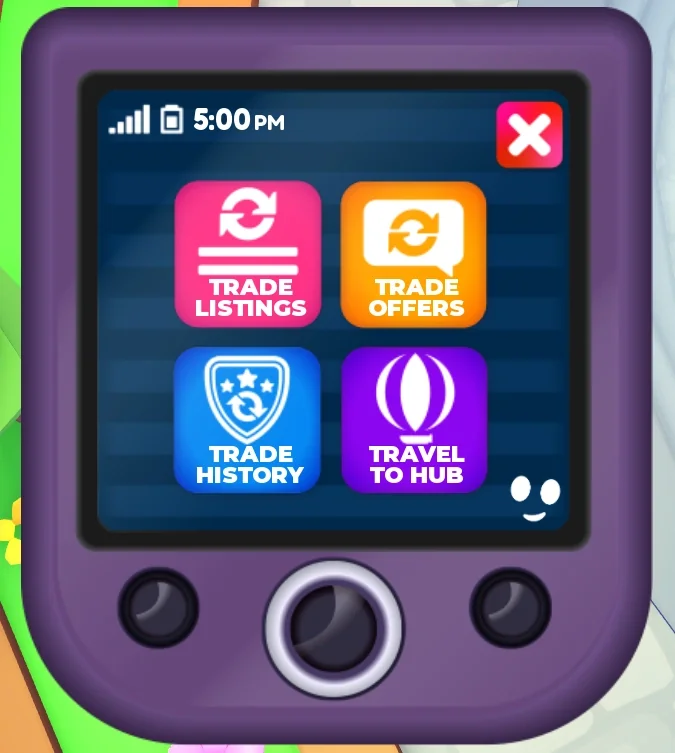
Trading Hub Phone
Travel to Hub
The phone takes you to the hub and shows your listings, offers and trade history.
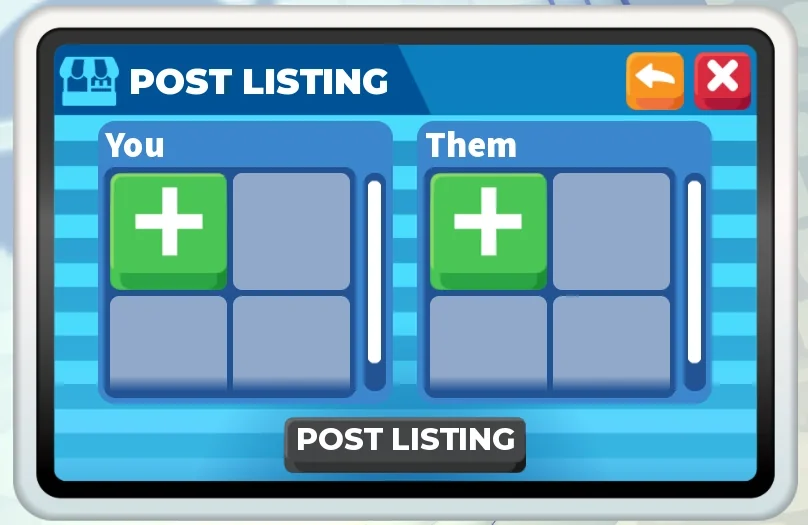
Post Listing menu
Your side and theirs
The menu where you post a listing.
Listings. You need to be in a server for your listing to show; it hides while you are offline. A third listing slot costs 49 Robux.
Locked items. Items in a listing or an offer cannot be equipped or used in other trades until you cancel it or the trade goes through.
Balance check. A listing or offer is not accepted if the trade looks too unbalanced.
The Trading Hub Phone shows up in the Trading Hub section of the Guide once you have the Trade License, at least two hours of total playtime and at least one Neon pet discovered. It cannot be traded and you can only earn one. Until September 30, 2026 you had to be inside the Trading Hub to create or change a listing with the phone.
What can you not trade?
Trade License
Cannot be traded or given away.
Trading Hub Phone
Cannot be traded, and you can only earn one.
Ultra-Rare and Legendary items
Not without the Trade License.
Items in a Trading Hub listing or offer
Locked until you cancel it or the trade goes through.
Can you trade houses?
YES, IN THE TRADING HUB
ADDED AUGUST 7, 2026
Yes, in the Trading Hub. The option to trade houses there was added on August 7, 2026.
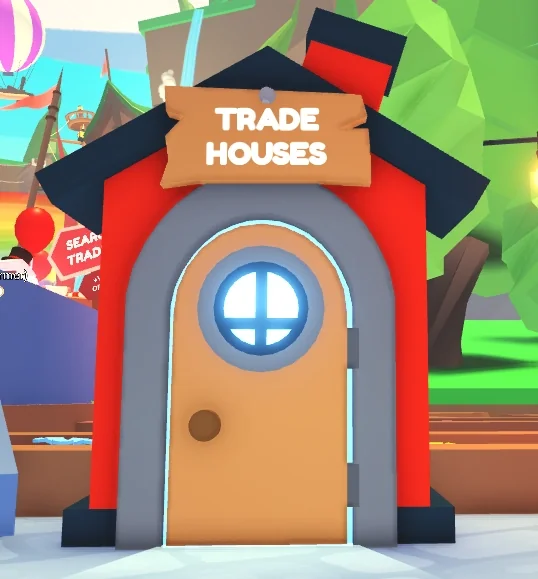
The Trade Houses booth in the hub.
Spectating and backpack viewing
SPECTATING: SINCE SEPTEMBER 28, 2023
BACKPACK VIEWING: SINCE JANUARY 14, 2026
Since September 28, 2023 you can watch other people's trades: select a player who is in a trade and choose Spectate Trade. You can react with emojis, and a counter shows how many players are watching.
Since January 14, 2026, either player in a trade can ask to look through the other player's backpack. The other player accepts or declines, and you can set it to always allow, always ask (the default) or never allow in your settings. Locked and untradable items stay hidden. You can also suggest an item to add or remove: a message with Accept and Decline buttons appears in the trade chat.
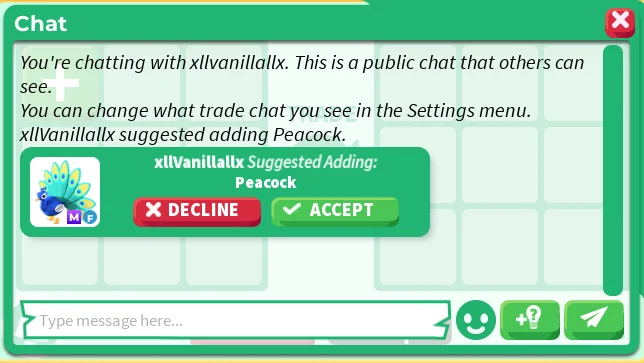
A suggested item in the trade chat.
What if you are scammed?
Stay alert, and trade only through Adopt Me's own trading system. If you are scammed, report the trade with your Trade License or at the Trade Book at the back of the Safety Hub, where you can also see your trade history. Reports go to the Adopt Me staff team. If your items are returned, they can no longer be traded.
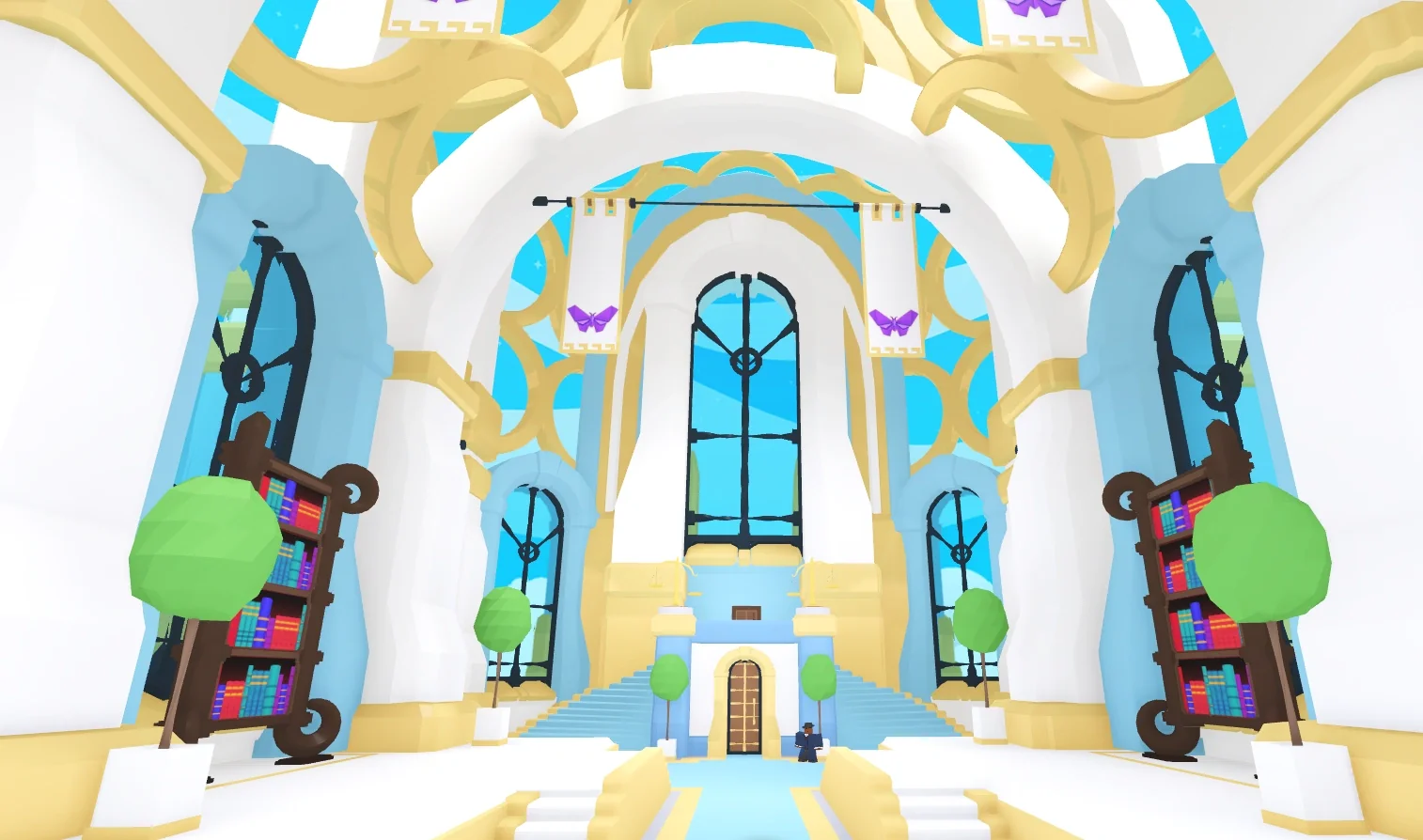
The Safety Hub, home of the Trade Book.